Events, podcasts, and press kits
Preview a speaker bio photo before you commit to a download.
For conference pages, event programs, podcast listings, and press kits, start with a clear current selfie. You can inspect a personalized watermarked preview before creating an account to save, edit, or download it.
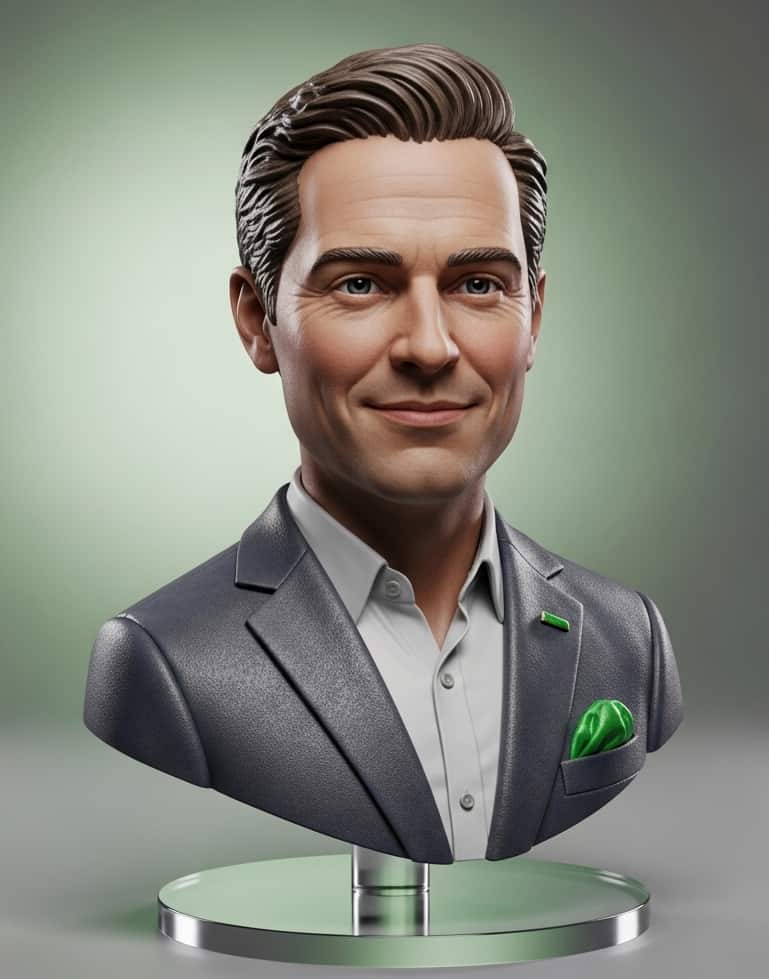

Brief your photo for the place it will appear
Choose a professional, approachable direction and a crop that leaves room for platform framing. Use a current, sharp image with your face unobstructed. The preview helps you check whether the result fits the visual context of your bio.
Before you publish
- Confirm the photo reflects how you want to be represented.
- Check the event or publisher’s size and file requirements.
- Make sure you have rights to the source image and comply with the destination’s rules.
Make it useful across a speaker kit
Plan for different crops
Event sites may need a square portrait, while press listings and presentation slides may use a vertical or wide crop. Keep the face comfortably inside the frame rather than at an edge.
Match the audience
A keynote, workshop, investor event, podcast, and internal town hall can call for different levels of formality. The strongest choice is usually one that makes the speaker easy to recognize and feels appropriate to the venue.
Use the preview to check likeness, expression, background, and composition before you decide whether the result belongs in your bio, event listing, or press kit.
Questions
Can I use a speaker photo across multiple bios?
That depends on the rights you hold in the source image and the terms of the places where you publish it.
Will every preview look the same?
Outputs are personalized and may vary. Review the preview before deciding to unlock a download.
Related professional photo needs
One-selfie LinkedIn headshot · Remote team headshots · Headshot creator